
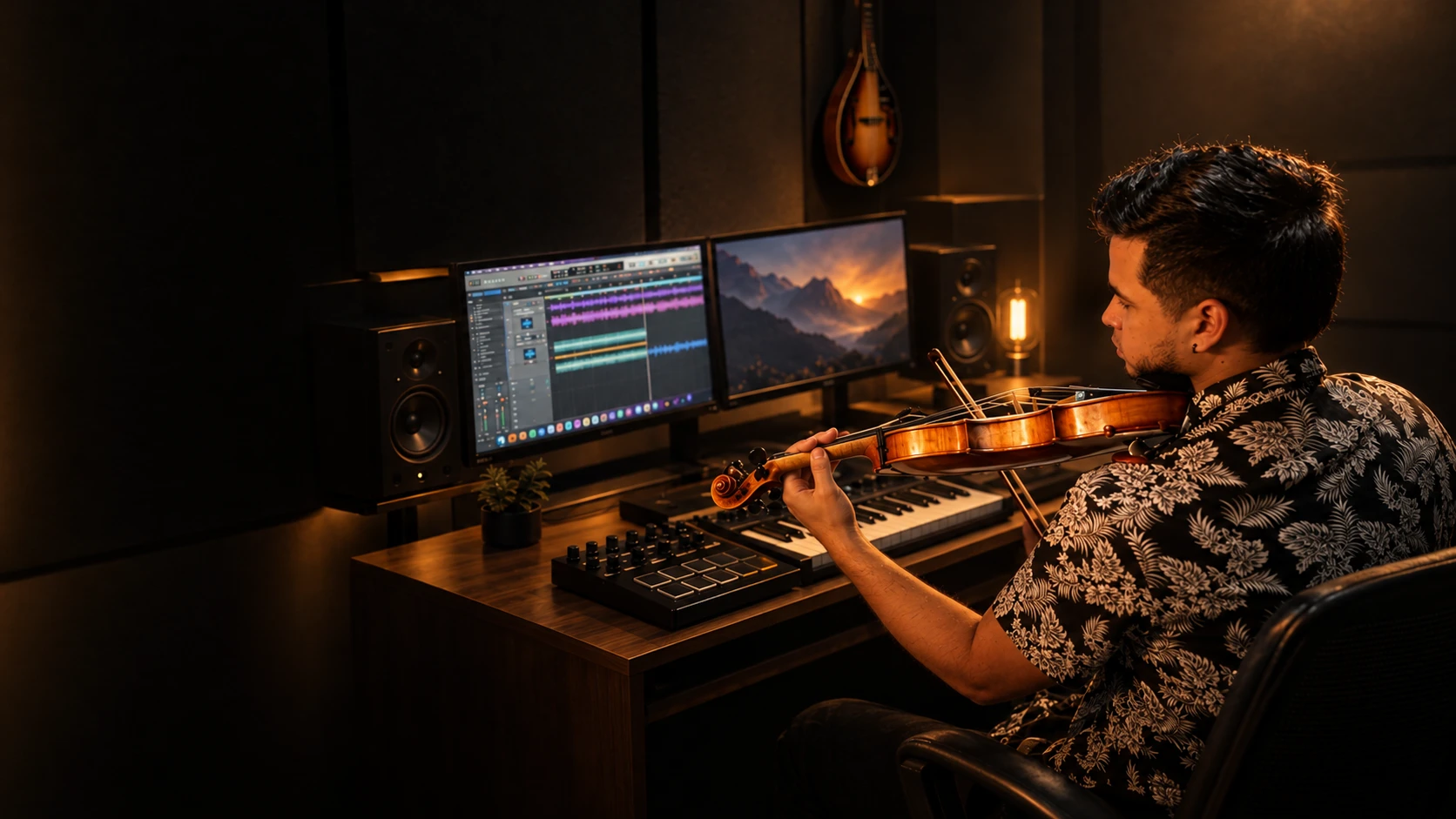
When a producer asks me for a violin section, the same question almost always comes up: how can it sound like a real section if one violinist records it? The answer is the method. Here is, step by step, how I record violin sections in my studio.
The challenge: not sounding like one violin with reverb
In a real section, several musicians play at the same time. Each one has their own instrument, their own spot in the room and small differences in tuning, timing and tone. Those differences are what make a section sound wide and alive.
If one violinist records the same part several times exactly the same way, the result doesn’t sound like a section: it sounds like one violin repeated. That’s why simple doubling isn’t enough; you have to create variation on purpose.
Step one: three voices, like a real section
I arrange the part in three voices: Violin 1, Violin 2 and Violin 3. Each voice has its own melodic or harmonic line, just like an orchestral or mariachi section. That gives the section harmonic body instead of one melody multiplied.
Step two: every voice through three different mics
I record each of the three voices with three different microphones, each one in a different position around the violin:
| Microphone | Type | Position |
|---|---|---|
| AKG C214 | Large-diaphragm condenser | Above the violin |
| Behringer C-2 | Small-diaphragm condenser | In front |
| Shure SM57 | Dynamic | Below |
Each mic captures the violin with a different color, and each position brings out a different part of the instrument. The result is tonal variation: the harmonics shift slightly from one take to the next, the way they shift from one player to another in a real section.
The math: 9 to 12 violins
Three voices times three microphones gives nine different takes: a nine-violin section. When the arrangement calls for it, I record more takes per voice to reach twelve. That’s why the service is a 9 to 12 violin section.
It isn’t one violin copied nine times: it’s nine takes with nine different colors.
The mix and what you get
I record and edit everything in Logic Pro. You get the section already panned, ready to drop into your song, plus every violin on its own track, so you or your mix engineer can place them in the stereo field however you like.
- WAV files at 48 kHz / 24-bit.
- The panned section and every violin as a separate stem.
- Delivered in 3–5 days from when I receive your material.
When is a real section worth it?
Virtual string libraries are great for demos. But when the song is ready for release, real strings bring what’s hardest to fake: the small differences between takes, the bow noise and the shifting harmonics. On ballads, rancheras, boleros and Latin pop productions, that’s where you hear it most.
If you want this sound on your song, send me your demo or a reference and we’ll figure it out together.